How PeachyBind works
PeachyBind is a browser studio for people who collect K-pop photocards. It replaces the pile of camera-roll screenshots, notes-app lists, and Discord tables with binders you can actually look at, a shared catalog so card names match, and a place to track what you still want and what you are willing to let go.
Who it is for
If you buy albums, join group orders, or trade pulls with friends, you already have a system, even if that system is “I think this one is in the blue binder.” PeachyBind is for that collector. It is not a general photo gallery and it is not a social feed. The unit of the product is the binder: pages of pockets, filled with specific photocards you claim as yours.
You can use it alone to keep your own collection straight, or with other people when you share a binder link or list an extra. The public site you are reading now explains the product. The signed-in studio lives at peachybind.com/app, so marketing pages and your collection stay distinct.
Binders and pocket pages
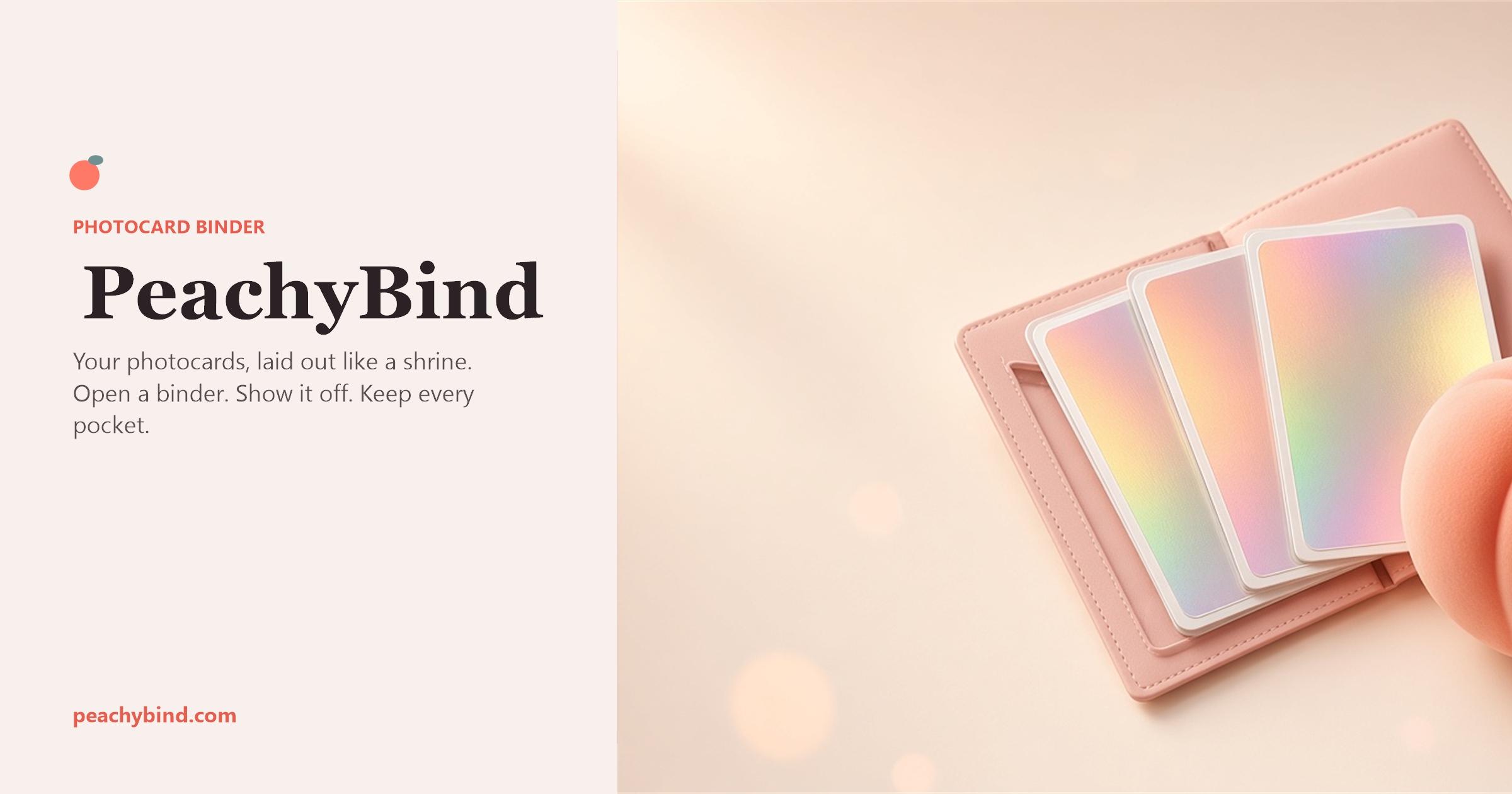
A binder is the container. Inside it, pages are spreads of pockets. You place a claimed photocard into a pocket the same way you would slide a sleeve into a physical binder. Multiple pages let a large collection stay readable instead of becoming one endless scroll of filenames.
The point of the layout is recognition. When you open a page, you should see the set the way you remember it: member order, version, the spare you are saving for a trade. Friends who receive a binder link see that layout, not a private spreadsheet export. You choose what to share; account settings and drafts stay with you.
Claiming from the shared catalog
Photocards of the same member and version should not have ten slightly different titles. PeachyBind uses a shared catalog. You search for the card, then claim the copy you own. Claiming attaches that catalog entry to your collection so later wishlist matches, marketplace listings, and shared binders all use the same name.
That matters in trades. If you tell someone you have “winter ver. Jeongyeon” and they search the same words, you are talking about one card, not two crops of the same photo saved under different file names. Catalog claim is how the studio stays consistent across collectors.
Wishlist
The wishlist is the list of pulls you are still hunting. Add a catalog card you do not own yet, then come back when a listing or a friend’s binder might fill it. Free accounts can keep up to 50 wishlist cards. Peach Premium, paid in peaches inside the studio, removes that cap. Peach Premium does not turn ads off.
Wishlist is not a public storefront. It is your hunting list. Marketplace listings are the separate surface where other collectors offer cards for trade or sale conversation.
Marketplace and selling
The marketplace is where live listings from collectors show up. You can browse, open a listing, and show interest. If you have duplicates, the selling hub is where you draft and publish your own one-to-one listings. A binder you keep without listing it is not limited. Free accounts can have up to 10 live one-to-one listings; Peach Premium removes that cap.
Group-order host tools exist for people who already run orders for a group. PeachyBind does not replace the payment apps your group already uses for those orders. The studio is the record of cards, binders, and interest, not a hidden checkout pretending to be a menu.
Sharing a binder link
After a binder has pages worth showing, copy its link from the studio and send it. The person who opens it lands in the app on that binder, not on this article. That is the difference between a grey “check my folder” message and a page that looks like a binder. If they are not signed in, they sign in with Google first, then see the shared layout.
Share only what you mean to show. A binder link is for the pockets on that binder. It is not a dump of your whole account, your wishlist, or unpublished drafts.
Web studio and a future phone app
Binders, catalog claims, wishlist, marketplace browse, and selling all run in the browser today. You do not need a store download to start. A phone app may come later for camera scan, matching a photo of a physical card to the catalog. Until then, you claim by searching the catalog, which is slower than a scan and more reliable than guessing from a blurry screenshot.
Sign-in uses Google. After the first login you pick a public username so other collectors have a name to attach to listings and shared binders. You can delete the account later from settings or from the delete-account page.
Ads, privacy, and the pages on this site
On wide desktop layouts inside the studio, you can opt into a support strip. That strip may show a labeled display advertisement after consent where the law requires it. Marketing pages on peachybind.com (this guide, the FAQ, and the legal pages) do not place ads in the navigation.
What we store, why, and how to reach us is in the Privacy Policy and Cookie notice. Conduct for listings and trades is in the Community Guidelines. The Terms of Service cover use of the studio.
Open collector studio